One command. Every AI coding tool. Right in your browser.
ai-or-die launches Claude, Copilot, Gemini, Codex and a raw terminal in tabbed browser sessions. Real-time streaming, persistent sessions, secure by default. Works on any machine with Node.js.
npx ai-or-dieWorks with the tools you already use
ai-or-die auto-detects which CLI tools are installed and makes them available instantly.
Claude
Anthropic's Claude Code CLI for code generation, editing, and reasoning
Copilot
GitHub Copilot CLI for suggestions and code completion
Gemini
Google Gemini CLI for multimodal AI assistance
Codex
OpenAI Codex CLI for code generation and transformation
Terminal
Raw shell access, always available regardless of other tools
Tools that aren't installed show as disabled. Install any of them at any time.
See it in action
Real screenshots from the running application.
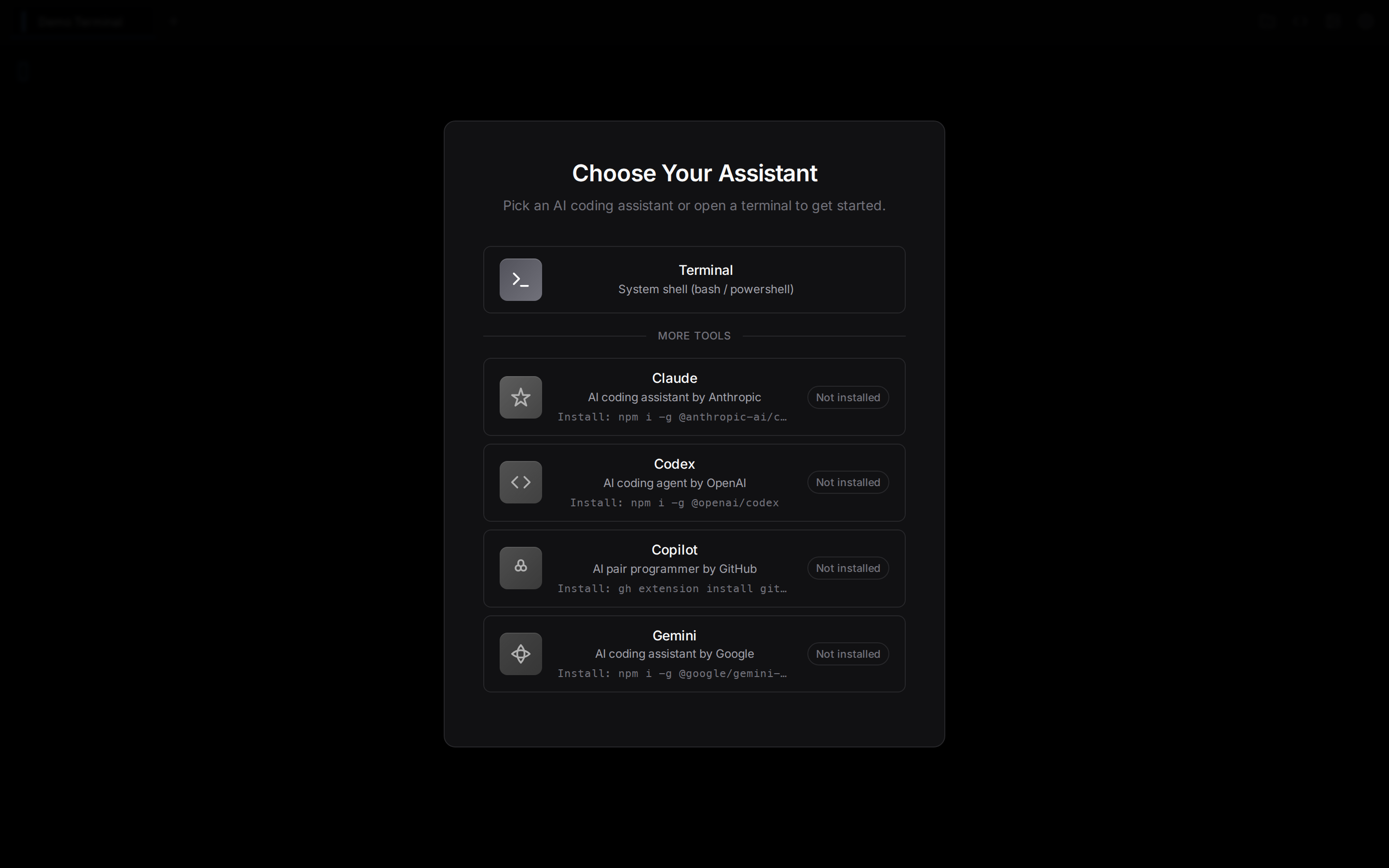
Tool selection screen with auto-detected AI tools
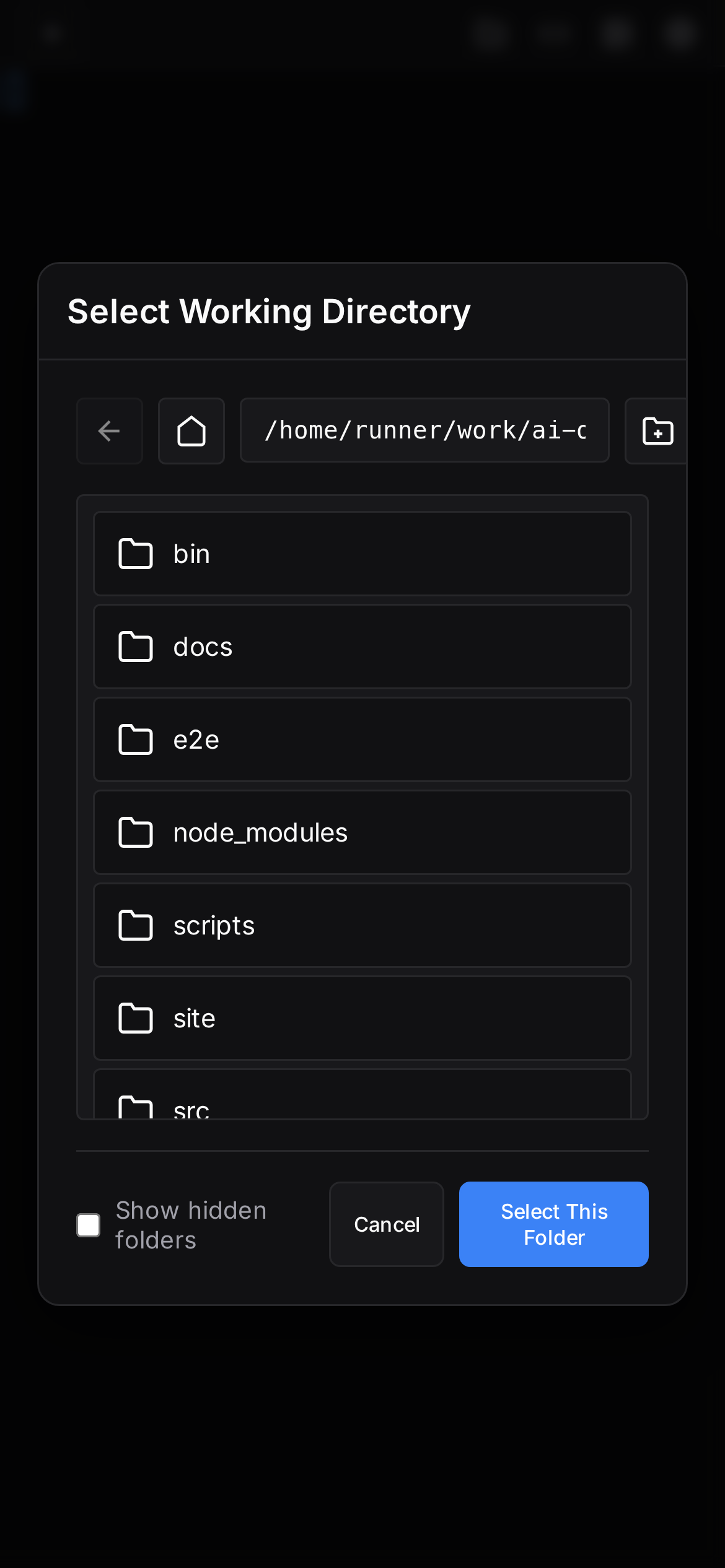
Mobile responsive view, same features on any device

Active terminal session with full xterm.js emulation
Built for how developers actually work
No Electron apps, no desktop clients. A fast web interface that runs anywhere.
Real-time streaming
Full xterm.js terminal with 256-color ANSI support. Low-latency WebSocket streaming that feels native.
Multi-session
Run Claude in one tab, Copilot in another, Terminal in a third. Switch freely. Sessions persist across restarts.
Secure by default
Auth token auto-generated on startup and embedded in the URL. HTTPS support included. No data leaves your machine.
Remote access
Built-in Microsoft Dev Tunnels integration. Share your AI terminal securely with --tunnel.
Cross-platform
Windows (ConPTY) and Linux, tested in CI. Standalone binaries available if you don't want Node.js.
Zero config
Auto-detects installed tools. Picks up your shell, working directory, and environment. Just run it.
The details that matter
Installable as a web app on any device with offline-capable shell.
Browse and select working directories, handle images, clipboard support.
Ctrl+K to open. Terminal search, theme switching, split views.
Track token usage across tools with burn rate predictions.
Per-session VS Code tunnel integration for remote editing.
Pre-built SEA binaries for Linux and Windows. No Node.js required.
Running in under 30 seconds
Quick start
npx ai-or-dieOpens your browser with a secure auth token embedded in the URL.
Or install globally
npm install -g ai-or-dieThen run ai-or-die from any directory.
Or download a binary
Grab the latest binary from the download section below. No Node.js needed.
Common options
# Custom port
ai-or-die --port 8080

# Your own auth token
ai-or-die --auth my-secret-token

# Secure remote access via Dev Tunnels
ai-or-die --tunnel

# Development mode with extra logging
ai-or-die --dev

# HTTPS with your own certs
ai-or-die --https --cert cert.pem --key key.pem
Download

Also available on GitHub Packages · All releases
Binaries are built on every release via GitHub Actions. Links always point to the latest version.
macOS users: use npx ai-or-die (works natively on Apple Silicon and Intel).